
We’ve been busy improving EZICHEQ to make asset management, digital inspections and compliance management easier for businesses.
Our latest updates focus on reducing admin, improving inspection records, giving teams better visibility over assets and helping businesses stay on top of compliance.
Here are some of the latest improvements now available in EZICHEQ.
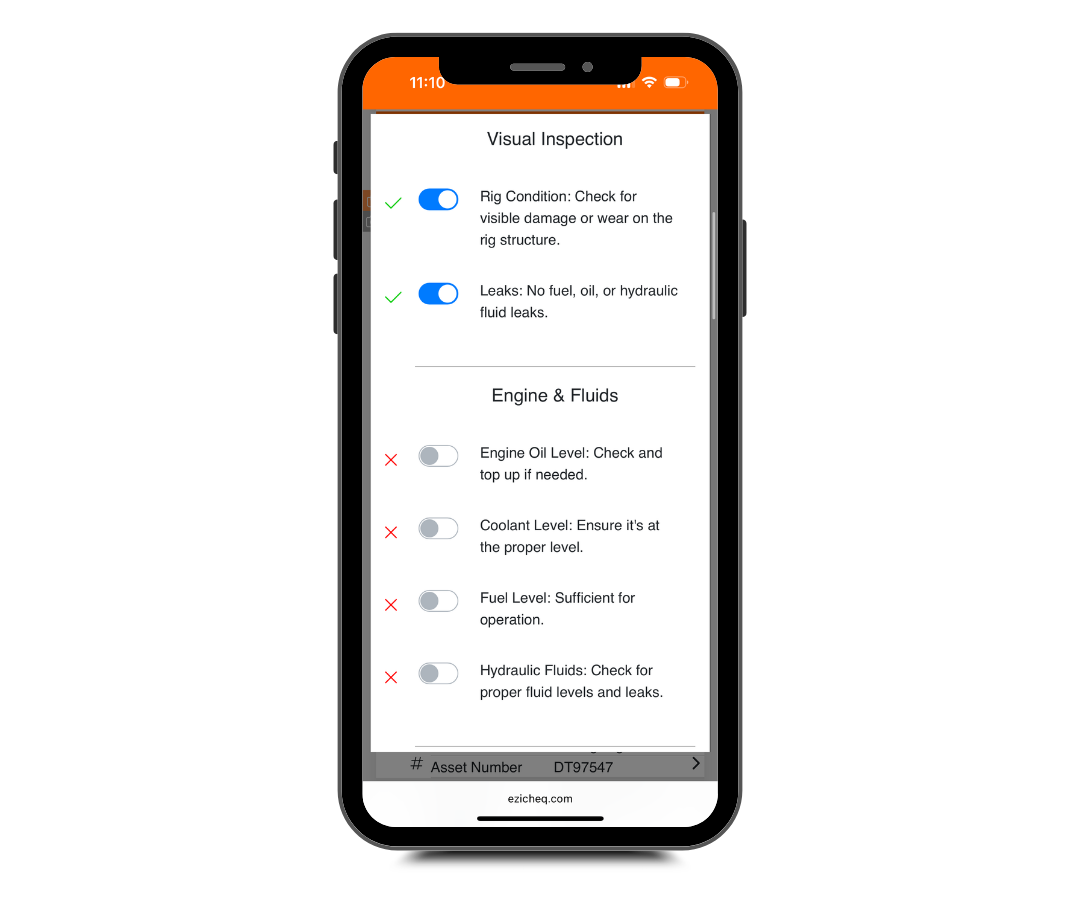
Different assets often need to be inspected at different times.
We’ve improved EZICHEQ’s digital inspection scheduling and reminders so individual items can follow their own inspection frequency.
For example, one piece of equipment might need a weekly inspection while another only needs checking every 30 days.
EZICHEQ can now keep track of these different schedules and remind your team when checks are coming due.
You can now choose how early an inspection appears as Due Soon.
This gives teams more warning before something becomes overdue and makes it easier to plan upcoming inspections across equipment, vehicles, safety gear, temporary structures and other workplace assets.
Instead of reacting to overdue inspections, teams can see what is coming and act earlier.
Not every inspection will start inside EZICHEQ.
Businesses can now record checks completed outside the platform and add them to the item’s inspection and compliance history.
This is useful when inspections are completed by external inspectors, contractors or through another process.
It means important inspection records can still stay connected to the asset they relate to.
Inspection records can become important evidence during audits, investigations or compliance reviews.
We’ve improved how checklist submissions are processed so EZICHEQ makes sure an inspection has finished saving before moving to the next step.
It is a small improvement behind the scenes, but it helps create more reliable digital inspection records and compliance evidence.
We’ve also continued improving our AI-assisted checklist creation tools.
Businesses can use EZICHEQ to create digital checklists for:
The goal is to make it easier to move away from paper forms and spreadsheets and create a consistent digital inspection process.
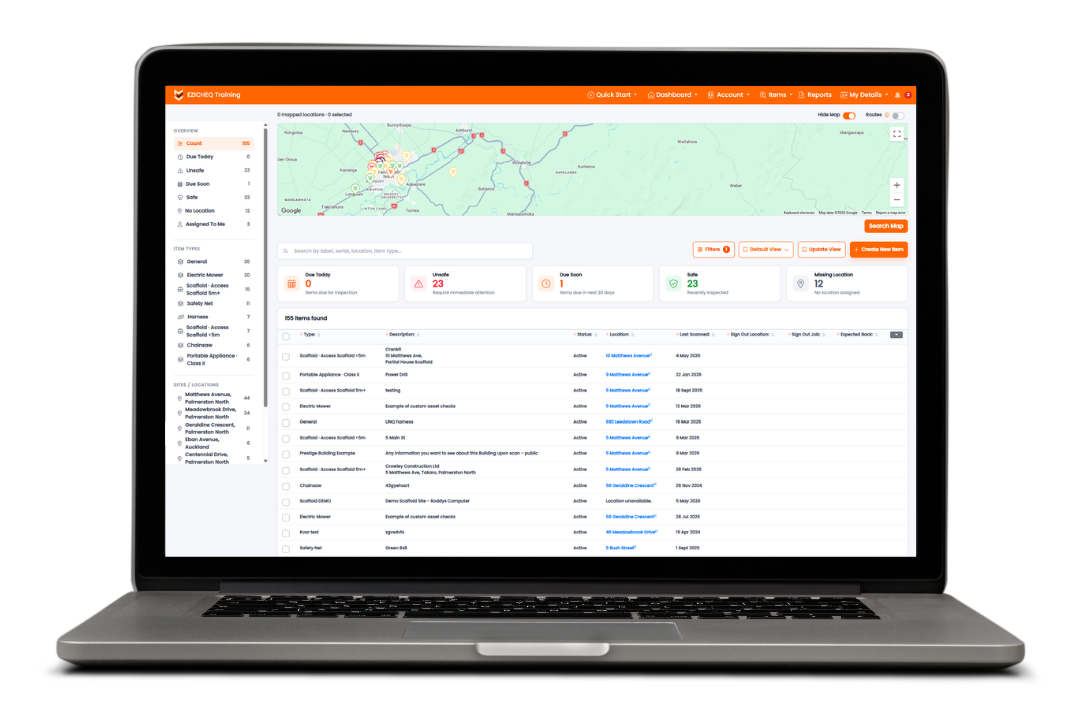
We’ve made it much easier to bring existing information into EZICHEQ.
Our improved import process helps businesses move from spreadsheets into a central digital asset register.
You can now more easily import and update:
You can also create new users and certifications during the import process.
We’ve improved how EZICHEQ matches spreadsheet columns with the correct fields inside the platform, helping make bulk uploads faster and easier.
This is especially useful for businesses moving from an Excel asset register or equipment spreadsheet into asset management software.
We’ve made improvements to help dashboards and maps load more efficiently.
EZICHEQ dashboards give managers visibility over assets, inspection statuses, failed checks, overdue inspections and other important information.
Map View has also been improved so location information only loads when it is needed.
This helps teams quickly understand where assets are and what may need attention.
We’ve improved the way EZICHEQ Smart Labels are assigned and replaced.
This means fewer steps when connecting a QR code or smart asset label to an item.
Once a label is attached, workers can scan it with their phone to quickly access information such as:
This helps connect the physical asset with its digital record.
When an EZICHEQ label is scanned during equipment sign-in or sign-out, location information can now be recorded as part of that activity.
This gives businesses better asset tracking and traceability.
You can build a clearer record of:
Who had the equipment, where it was and when the activity happened.
This can be useful for tools, safety equipment, vehicles and other equipment moving between jobsites.
Asset management and inspections often happen away from a desk.
We’ve improved the mobile experience across:
The aim is to make it easier for workers to access asset information, complete inspections and update records directly from their phone while on site.
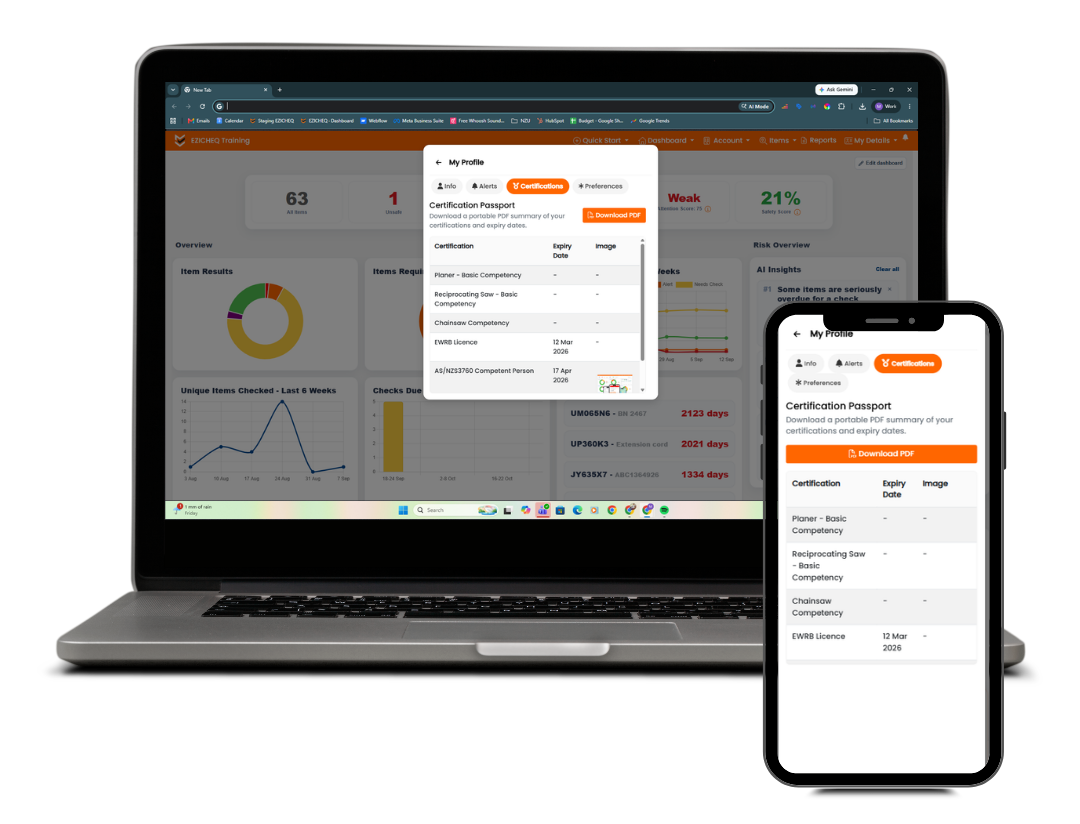
Keeping track of employee certifications can become difficult when information is spread across spreadsheets, calendars and different systems.
EZICHEQ now allows you to set up to five certification expiry reminders, anywhere from 1 to 365 days before a certification expires.
This gives managers more time to organise training or renewals before something becomes overdue.
It helps businesses:
EZICHEQ Digital Passports can now be downloaded as PDFs, including supporting certification images.
This gives workers a simple way to provide evidence of their training, qualifications and competency.
For businesses, it creates a clearer digital record of who has completed training and what certifications they currently hold.
We’ve expanded the EZICHEQ API to make it easier for businesses to connect EZICHEQ with other software and internal systems.
The latest improvements include:
For businesses using multiple software platforms, API integrations can help reduce double handling and allow asset, inspection and compliance data to move between systems more easily.
This means EZICHEQ can form part of a wider digital workflow instead of operating as a standalone system.
These updates all support the same goal: Make it easier for businesses to know what they own, where it is, whether it is safe, when it needs to be checked and whether the right people are qualified to use it.
By bringing your asset register, digital inspections, equipment tracking, certification records and compliance information together, EZICHEQ gives teams one place to manage the information they need to keep their operations running safely.
And we’re continuing to make it easier.
From the latest news to expert tips and tricks, our blogs cover a wide range of topics designed to inform, inspire, and empower you and your business.



.png)
.png)